Repeat YouTube Sentence
Use sentence repeat when you need to hear one line, pause, say it back, and repeat until the rhythm feels natural.
Loop Builder
Paste a YouTube URL for sentence repeat practice
Paste a video, drag A and B on the timeline, then play or share the loop.
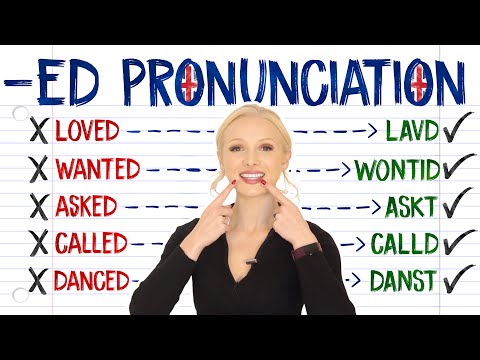
-ED pronunciation practice
Demo from English with Lucy. Click to play it, or paste any YouTube link to replace it.
Advanced options Modes, mirror, loop count, fine tune
Practice modes
Fine tune
Exact speed
Practice options
Recent loops
Current loop
-ED pronunciation practice
14.0s - 17.2s · 0.75x
Copy or share the exact loop you are editing.
Page-specific workflow
Repeat one sentence with room to answer
Language shadowing is different from normal video repeat. You need a short segment, a clear pause, and enough control to repeat the same spoken rhythm many times.
Listen once
Play the sentence at normal speed to hear rhythm.
Pause 3 seconds
Give yourself time to shadow after every repeat.
Slow shadowing
Use 0.75x when the speaker is too fast.
How it works
How to use Repeat YouTube Sentence
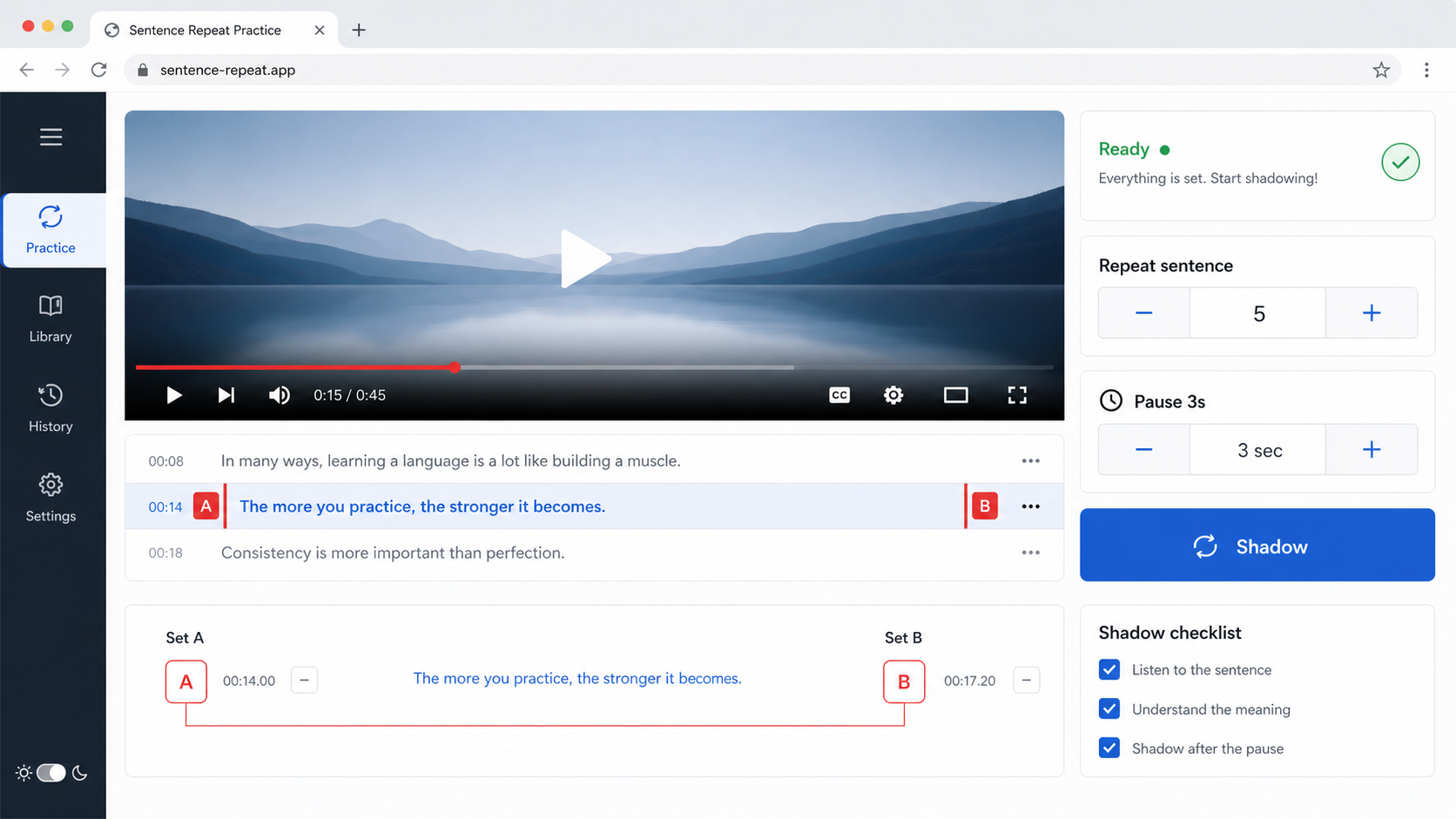
Load a video with the sentence you want to practice.
Set A before the sentence starts and B after it finishes.
Turn on the pause-after-loop setting, listen, pause, and shadow the sentence out loud.
Use cases
Practical ways to use Repeat YouTube Sentence
Language shadowing is different from normal video repeat. You need a short segment, a clear pause, and enough control to repeat the same spoken rhythm many times.
Pronunciation
Repeat a short phrase until stress, intonation, and linking feel natural.
Listening practice
Replay fast spoken lines without losing the exact timestamp.
Exam prep
Practice answer patterns or dialogue lines from course videos.
Accent training
Repeat one line until vowel length, stress, and connected speech are easier to copy.
Pause after loop
Add speaking time after the sentence repeats.
Short range repeat
Keep the loop focused on one line instead of a long paragraph.
Slow spoken lines
Lower speed when connected speech is too fast to imitate.
Share practice lines
Send a URL that opens the same sentence range and speed for a classmate or student.
Tips and related tools
Make each repeat easier to practice
- Set B after the final sound, not at the first moment of silence.
- Use a longer pause if you need to repeat the whole sentence out loud.
- For difficult lines, slow down first, then return to normal speed.
- Practice one sentence at a time before expanding the loop to a full dialogue.
- If you use subtitles, set the loop by sound rather than by where the caption appears on screen.
FAQ
Common questions about Repeat YouTube Sentence
How do I repeat one sentence from a YouTube video?
What is shadowing practice?
How long should a sentence loop be?
Can I pause after every sentence repeat?
Can I slow down a sentence and still repeat it?
Do I need captions or transcripts?
Can I use this for listening dictation?
Why does the sentence repeat feel cut off?
Can I share a sentence repeat exercise?
Ready to practice a precise YouTube loop?
Load a video, set the practice range, and keep the useful part on repeat.