Loop Part of a YouTube Video
Use this page when you already know the exact moment you want to repeat and do not need to replay the whole video.
Loop Builder
Paste the YouTube video you want to loop by section
Paste a video, drag A and B on the timeline, then play or share the loop.

How to Practice Guitar SLOWLY to get Better FASTER
Demo from Relax and Learn Guitar. Click to play it, or paste any YouTube link to replace it.
Advanced options Modes, mirror, loop count, fine tune
Practice modes
Fine tune
Exact speed
Practice options
Recent loops
Current loop
How to Practice Guitar SLOWLY to get Better FASTER
30.0s - 58.0s · 1x
Copy or share the exact loop you are editing.
Page-specific workflow
Repeat the exact section instead of the whole video
Dragging a YouTube timeline back every few seconds breaks focus. A section loop keeps the player inside the useful range so you can watch, try, and repeat without extra clicks.
Tutorial step
Loop 0:30 to 0:58 while following the same action.
Short explanation
Loop one answer or concept until it is clear.
Clip review
Repeat a section without changing the original video.
How it works
How to use Loop Part of a YouTube Video
Paste the YouTube URL and load the video.
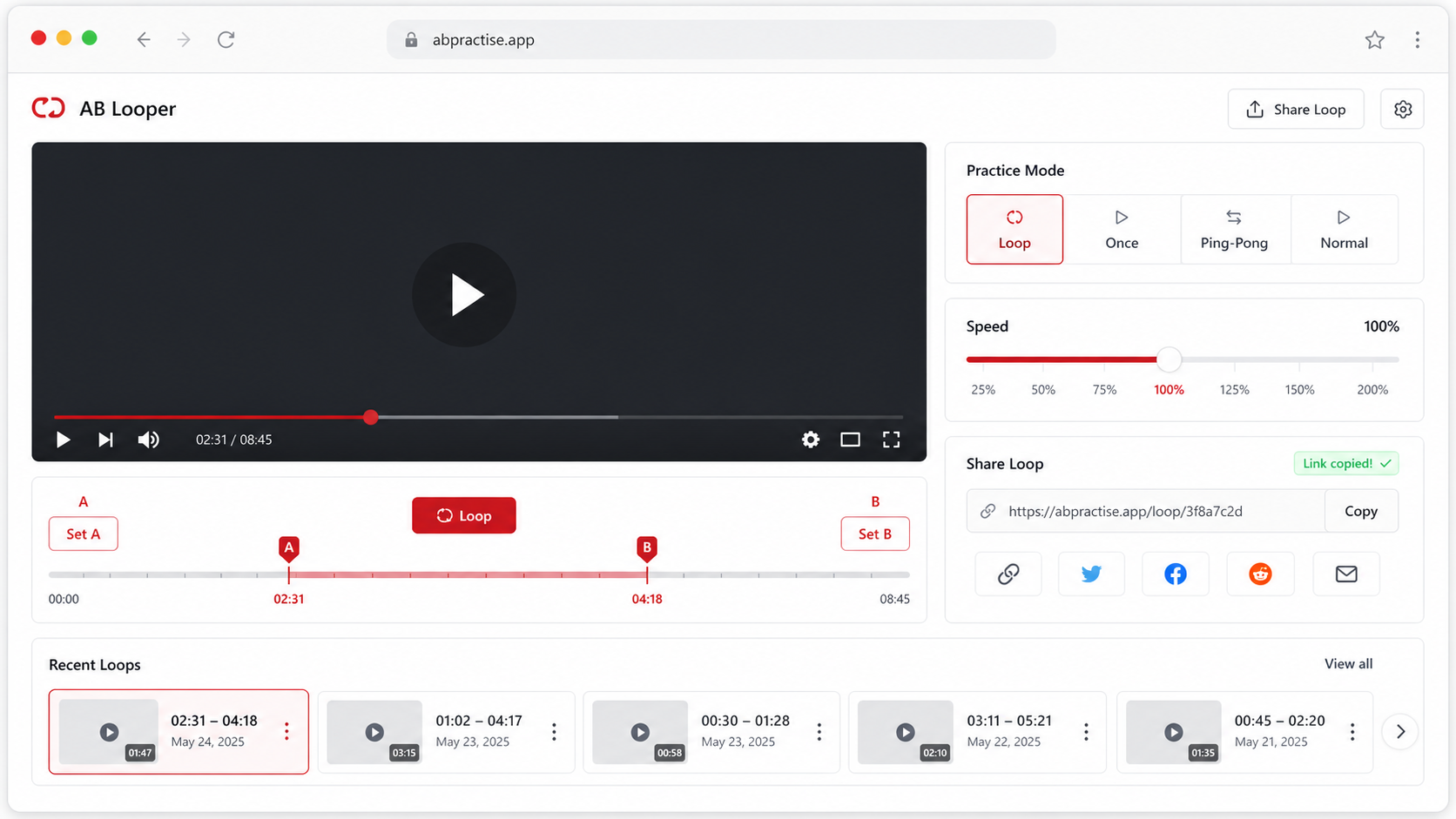
Play to the start of the part and click Set A, then play to the end and click Set B.
Turn on Loop, fine tune the markers, and copy the link if you want to reopen the same section.
Use cases
Practical ways to use Loop Part of a YouTube Video
Dragging a YouTube timeline back every few seconds breaks focus. A section loop keeps the player inside the useful range so you can watch, try, and repeat without extra clicks.
Tutorial clips
Repeat one instruction, gesture, or screen action until you can follow it.
Music phrases
Loop a bar, riff, solo, or transition without replaying the whole song.
Course review
Revisit a dense explanation in a lecture or online class.
Product demos
Replay one UI step, menu choice, or setup action without asking viewers to scrub the full video.
Start and end markers
Set A and B directly from the current playback time.
Fine tuning
Move either marker in small steps when the first click is slightly early or late.
Share section links
Save the video ID and timestamps in a URL for the same loop later.
Whole-video fallback
Switch to full-video repeat when you decide the whole clip needs to replay.
Tips and related tools
Make each repeat easier to practice
- Start the loop a little before the hard moment so you have context.
- For spoken content, keep the end point after the sentence fully finishes.
- If the loop feels abrupt, add a small pre-roll on a practice page that supports it.
- Use the share link only after checking the loop once, so the saved timestamps match the useful section.
- For tutorials, make one loop per step instead of trying to cover several steps in one long repeat.
FAQ
Common questions about Loop Part of a YouTube Video
How do I loop a specific part of a YouTube video?
Can I fine tune the start and end time?
Can I drag the A and B markers on the timeline?
Can I loop from a YouTube timestamp link?
Can I send someone the section loop?
What is the best length for a section loop?
Does this cut or download the YouTube video?
Why did the end point move after loading a new video?
Ready to practice a precise YouTube loop?
Load a video, set the practice range, and keep the useful part on repeat.